
Document intake and human review are connected when every incoming document becomes one record that carries its state from arrival to acceptance. The same record holds the file, the extracted fields, the reason a field needs a person, and the reviewer's decision. A product alone does not make that connection. A state model, routing rules and a review queue that writes back to your system of record do.
This guide describes how we design that pipeline for an existing business application: what the record looks like, which documents go to a person and why, and what to measure once it runs.
TL;DR
- Give each document one record and one explicit state. Intake, extraction and review are stages of that record, not three tools with three copies.
- Register the file before you process it, and make registration idempotent, so a file that arrives twice does not become two records.
- Store a source reference for every extracted field. A reviewer who cannot see where a value came from will re-read the whole document.
- Route by rules you can explain: validation failures, missing required fields, low agreement, high-value thresholds. Do not route on model confidence alone.
- Measure total handling time per accepted document, including review and correction. Faster extraction is worth nothing if review gets slower.
What goes wrong when intake and review are separate?
When intake and review live in different tools, the document loses its history at the handover. The reviewer gets a PDF and a spreadsheet row, cannot tell which fields the system was unsure about, and checks everything. Corrections stay in the reviewer's tool and never reach the extraction step, so the same error returns next week.
Three symptoms are typical:
- Nobody can answer "where is this document?" It is in an inbox, a shared folder, an extraction job or someone's queue, and each place has its own identifier.
- Review time grows with volume. Every document gets the same full check because the pipeline does not say which parts are uncertain.
- Duplicates and re-sent documents create duplicate records in the accounting, claims or HR system, and someone cleans them up by hand.
All three come from the same cause: there is no single record that both the automated steps and the people work on.
What does the pipeline look like, stage by stage?
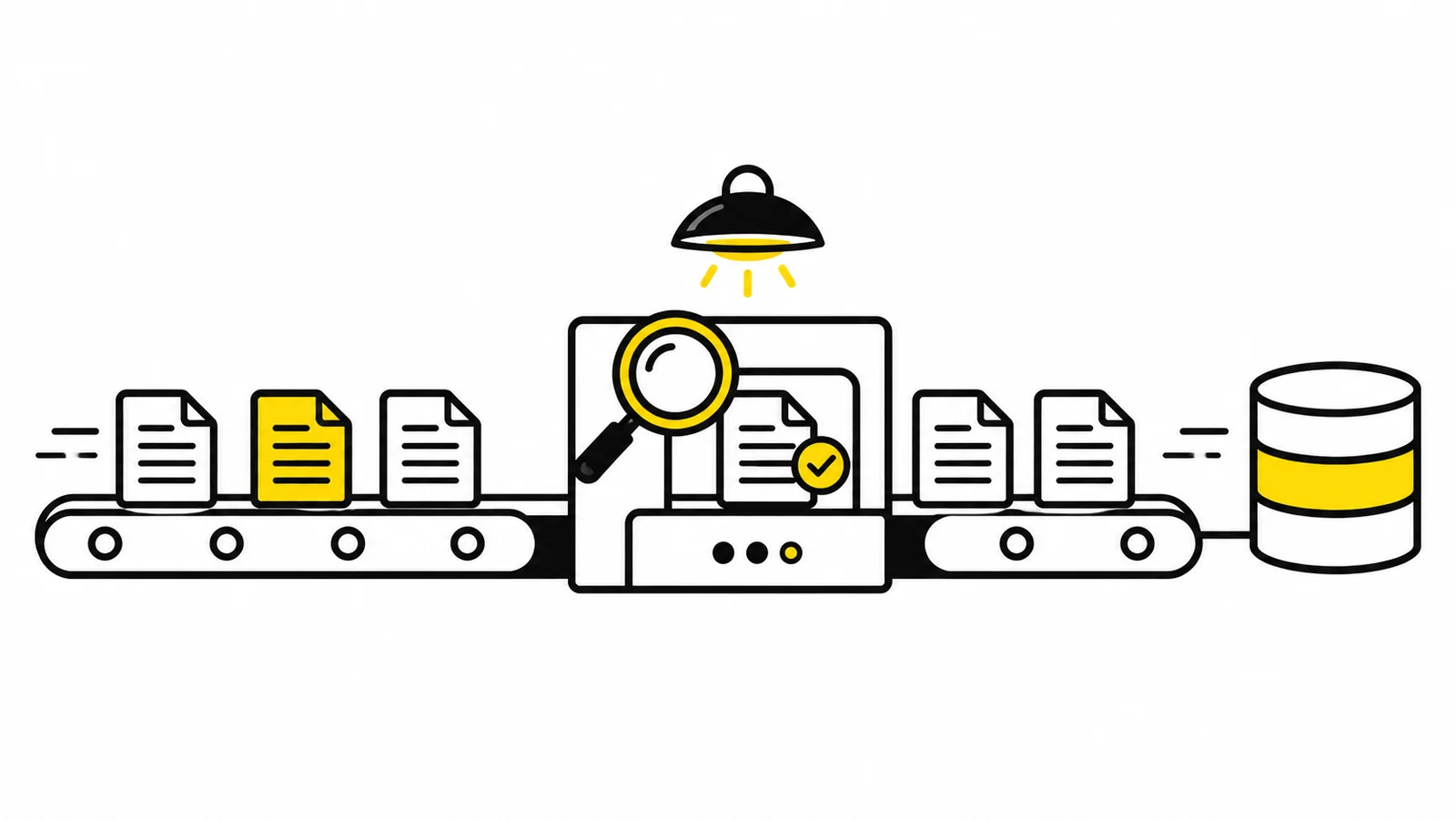
The pipeline has six stages, and each one moves the same record to a new state. A document is never "in the AI" or "with the team". It is in exactly one state, and the state says who or what acts next.
| State | What happened | Who acts next |
|---|---|---|
received | File stored, fingerprint computed, record created | Classifier |
classified | Document type assigned, or marked unknown | Extractor, or reviewer if unknown |
extracted | Fields extracted, each with a source reference | Validator |
needs_review | At least one routing rule fired | Reviewer |
accepted | Passed validation, or a reviewer confirmed it | Writer to the system of record |
rejected | Unreadable, out of scope or a confirmed duplicate | Nobody; the reason is recorded |
1. Capture and register
Store the original file unchanged, compute a fingerprint of its content, and create the record before anything else runs. Use the fingerprint, plus the sender and channel, as an idempotency key, so a second delivery of the same file updates the existing record instead of creating a new one.
This is not a rare edge case. People forward the same invoice twice, mail gateways retry, and message queues redeliver by design: Amazon SQS standard queues, for example, guarantee at-least-once delivery, which means a consumer can receive the same message more than once (AWS documentation). If registration is idempotent, every later stage can be retried safely.
2. Classify
Decide what the document is before you try to read it. Extraction prompts, schemas and validation rules differ by type. Keep an explicit unknown class, and send unknown documents to a person. Forcing them into the nearest type produces confident, wrong fields.
3. Extract with a source reference per field
Extract into a fixed schema for the document type, and store for each field where the value was found: page, and the text span or bounding box. The reviewer's screen is built from this.
{
  "document_id": "doc_8f3a",
  "type": "supplier_invoice",
  "state": "needs_review",
  "fields": {
    "invoice_number": {
      "value": "INV-20418",
      "source": { "page": 1, "text": "Invoice No. INV-20418" },
      "checks": ["format_ok"]
    },
    "total_amount": {
      "value": "12480.00",
      "source": { "page": 2, "text": "Total due 12,480.00" },
      "checks": ["sum_of_lines_mismatch"]
    }
  },
  "review_reasons": ["total_amount: sum_of_lines_mismatch"]
}
A field without a source reference is treated as missing. That rule keeps invented values out: a value the model cannot point to never reaches the system of record unreviewed.
4. Validate with rules, not with the model
Run deterministic checks on the extracted fields: formats, required fields, arithmetic (line items add up to the total), dates in a plausible range, and lookups against your own data, such as whether the supplier exists and whether the purchase order is open. These checks are cheap, explainable and stable between model versions.
5. Route
Routing decides whether the record goes straight to accepted or to needs_review. Write the rules down as a table that the business owner of the process can read and change.
| Condition | Route | Why |
|---|---|---|
| All required fields present, all checks pass, amount under the agreed threshold | Accept | Nothing for a person to add |
| Any validation check fails | Review, with the failed field highlighted | The reviewer fixes one field, not the document |
| Required field missing or without a source reference | Review | Prevents invented values |
Document type unknown | Review | Wrong type means wrong schema |
| Amount or risk above the threshold | Review, even if clean | A business decision, not a technical one |
| Fingerprint matches an existing record | Mark as duplicate, link to the original | Stops double entry |
A model's own confidence score can be one input, but it should not be the only one. Calibrate it against a sample your reviewers have checked before you let it skip review for anything.
6. Review, then write back
The review queue is a view of records in needs_review. Each reviewer claims one item at a time, and two reviewers must never get the same one. In PostgreSQL the claim is one statement: FOR UPDATE SKIP LOCKED skips rows another transaction has already locked, and the PostgreSQL documentation describes it as suited to multiple consumers reading a queue-like table (PostgreSQL SELECT documentation).
UPDATE documents
SET state = 'in_review', reviewer_id = $1, claimed_at = now()
WHERE id = (
  SELECT id FROM documents
  WHERE state = 'needs_review'
  ORDER BY received_at
  FOR UPDATE SKIP LOCKED
  LIMIT 1
)
RETURNING id;
When the reviewer confirms or corrects, the record moves to accepted, and only then is it written to the accounting, claims or HR system. Store the correction next to the original value. Those pairs are your test set for the next change to prompts, models or rules.
What should the reviewer see?
The reviewer should see the reason the document is in the queue, the field in question, and the place in the original where the value came from, on one screen. Confirming a correct value should take one action; correcting it should take two. Everything that passed validation stays collapsed.
Review is part of the product, not an approval stamp at the end. Give the reviewer a defined scope, clear escalation rules and enough time for each item; a bare approve button gives the appearance of control without the substance. We cover this in more detail in Design human review as part of the product.
When does the law require a person?
If the documents contain personal data and the outcome is a decision about a person, such as a loan, a claim or a job application, a human in the pipeline may be a legal requirement rather than a design preference. Under Article 22 of the GDPR, people have the right not to be subject to a decision based solely on automated processing that produces legal or similarly significant effects, with a right to obtain human intervention where such processing is permitted (Irish Data Protection Commission summary). The UK has since replaced this article with its own provisions, so check the rules for each market with your legal team. The engineering consequence is the same: the routing table needs a rule that no model update can switch off.
What should you measure?
Measure the whole handling effort, not extraction accuracy alone:
- Total handling time per accepted document, from
receivedto written to the system of record. - Touch rate: the share of documents that reach a reviewer, per document type.
- Correction rate per field: how often reviewers change a value. A field that is corrected often needs a better prompt, a new validation rule or a different source.
- Queue age: how long the oldest item has waited. This tells you about reviewer capacity before a backlog becomes visible to customers.
- Cost per accepted document: model usage, infrastructure and review minutes together.
Take a baseline on the manual process first. Without it you cannot tell whether the pipeline helped. If you are also deciding where the model runs and what data it may see, read How to use LLMs with private data.
Where should you start?
Start with one document type, one team and one destination system. Pick the type with the highest volume and the clearest rules, build all six stages for it, and run it next to the manual process until the numbers above are stable. Adding a second document type to a working pipeline takes far less effort than building a general one first.
FAQ
Which solution connects document intake with review processes? No single product does it for every company. The connection is a design: one record per document with an explicit state, routing rules that decide when a person is needed, and a review queue that writes the accepted result to your system of record. It can be built on document-processing platforms or inside your existing application.
Do we need to replace our current system to do this? No. The pipeline sits in front of the system you already use and writes to it through its API or database once a record is accepted. The system of record stays the single place where accepted data lives.
How many documents should go to human review? There is no universal target. The share depends on document quality, the number of validation rules and how much risk the business accepts. Start with a high share, measure correction rates per field, and relax rules only for fields that reviewers almost never change.
Can we remove human review later? For some document types and fields, yes, when the correction rate stays near zero over a meaningful sample. For decisions with legal or significant effects on people, keep a person in the process and confirm the requirement with your legal team.
Turn incoming documents into reviewable work
If documents slow one of your teams down, we can scope the first document type with you: intake channel, required fields, review rules and the destination system. See how we approach AI document workflow automation, or tell us about your workflow.